
The Ultimate Guide to Building Your Offline Entertainment Library for Travel
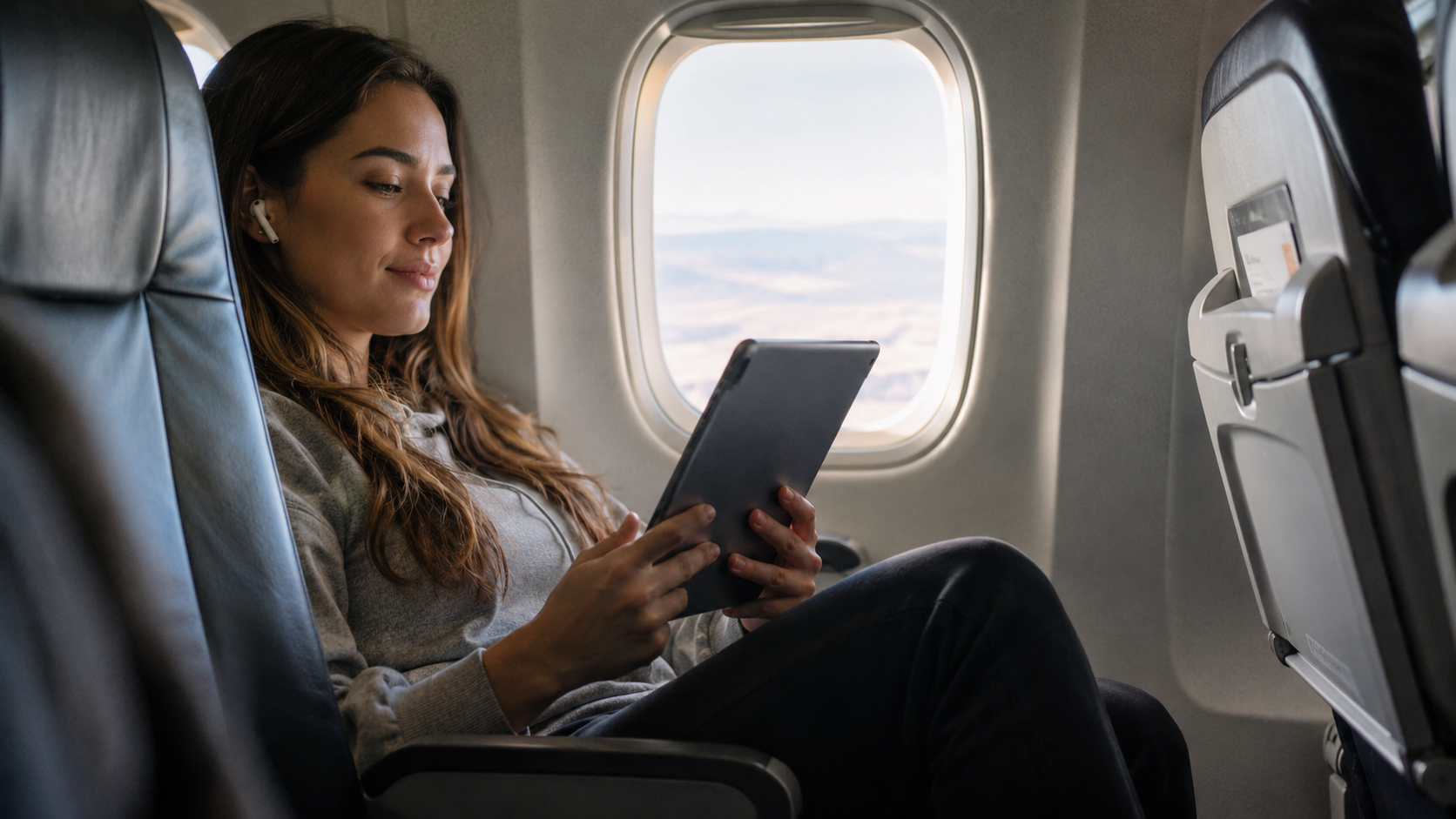
We have all experienced that sudden sinking feeling: you are finally settling into your seat for a long-haul flight, a remote cross-country train ride, or a scenic road trip through the mountains, and suddenly—the dreaded “No Internet Connection” banner appears on your screen.
While cloud storage and high-speed streaming services have fundamentally revolutionized how we consume media on a daily basis, relying on them during extended travel is a massive gamble. Airport Wi-Fi is notoriously sluggish, train connections drop out in tunnels, and mobile data can incur exorbitant roaming charges if you cross international borders.
Building a robust, fully downloaded offline entertainment library is the absolute best way to ensure your journey is just as enjoyable as the destination itself. Here is a comprehensive, step-by-step guide to curating, downloading, and organizing the perfect offline media collection.
1. Curate Your Content by Mood and Category
Before you start haphazardly downloading anything and everything, take a moment to make a plan. Think about your anticipated energy levels and moods during different legs of the journey. You will likely want a healthy mix of active engagement (things that require your full attention) and passive relaxation (things you can drift off to).
- Audiobooks and Podcasts: These are perfect for when your eyes are strained from staring at a screen, or if you happen to be prone to motion sickness when reading in a moving vehicle. Download a good mix of gripping long-form narrative stories and short, easily digestible episodic podcasts.
- Music Playlists: Create distinct, heavily curated playlists for different travel vibes. You might want upbeat, high-energy tracks for staying awake while driving, and ambient, lo-fi beats or classical music for trying to sleep on a noisy plane.
- Video Content: Mix up your runtimes. Include one or two feature-length movies, a season of a 20-minute sitcom for quick laughs, and a backlog of your favorite YouTube video essays, documentaries, or travel vlogs.
2. Utilize the Right Tools for Downloading
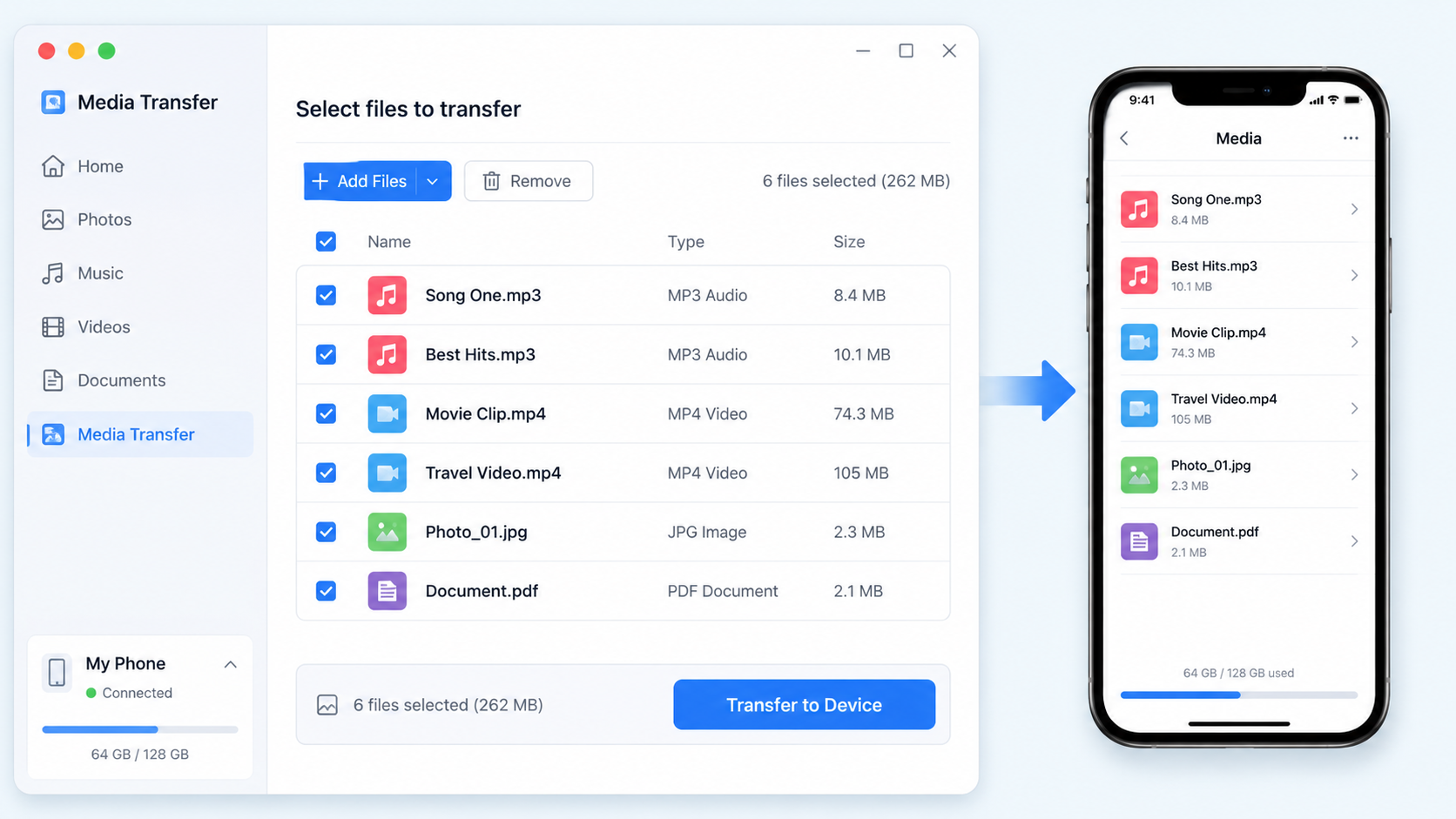
While mainstream subscription platforms like Netflix, Spotify, and Amazon Prime offer native “offline modes” for their premium users, those apps heavily restrict how and where you can play those files. Furthermore, saving niche content from independent creators or open platforms like YouTube requires reliable third-party tools.
If you want to save comprehensive travel guides, specialized educational content, or unreleased music covers from YouTube to watch anywhere, you need a dedicated downloader. For this exact purpose, Y2Mate is an indispensable resource. It is a completely free YouTube video downloader that supports multiple formats, including MP3 and MP4. This incredible versatility means you can download the high-definition video file (MP4) to watch later on your laptop, or you can simply extract the audio track (MP3) to add to your offline music playlist, which saves highly valuable storage space on your mobile device.
3. Manage Your Device Storage Effectively
High-definition video files and lossless audio tracks can eat up your device’s internal storage rapidly. Running out of space halfway through your preparations is incredibly frustrating. Here is how to maximize your digital real estate:
- Audit Your Available Space: Go to your device settings right now and see exactly how many gigabytes you have free before you start hoarding data. Delete old apps or offload thousands of old photos to the cloud first.
- Invest in Expandable Storage: If your Android smartphone, tablet, or laptop supports MicroSD cards, spend a little money on a high-capacity card (128GB or 256GB) to use exclusively as your travel media vault.
- Optimize File Quality: Be realistic about your screen size. You do not need massive 4K resolution files to watch a vlog on a 6-inch phone screen. Downloading videos in 720p or 1080p will save massive amounts of space while still looking incredibly crisp and clear to the human eye.
4. Don’t Forget Battery Preservation
A fully stocked library of 4K movies is entirely useless if your battery dies in the first two hours of a ten-hour trip. Playing local media requires less power than streaming over Wi-Fi or 4G, but it still drains your battery.
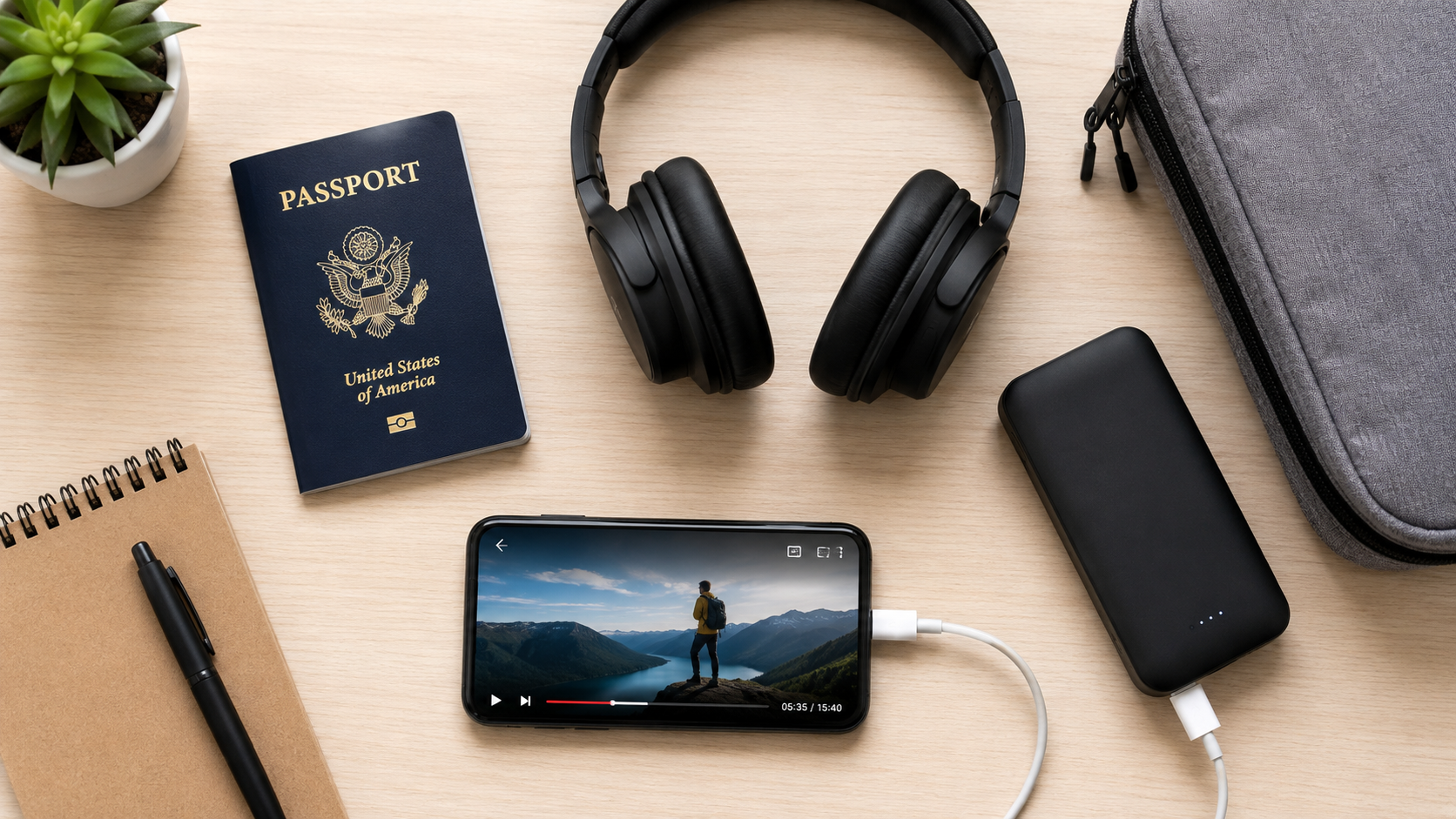
- Power Banks are Mandatory: Never travel without a high-capacity (at least 10,000 mAh), fully charged power bank.
- Screen Brightness and Airplane Mode: Keep your screen brightness as low as comfortably possible and ensure your device is strictly in Airplane Mode so it isn’t constantly expending energy searching for a cellular signal that isn’t there.
5. Organize for Immediate Access
Having 50 downloaded videos and 400 songs scattered across your phone’s internal storage is a headache waiting to happen, especially when you can’t easily find what you want when the cabin lights finally go dim.
- Create Dedicated Folders: Use your device’s native file manager to create specific, clearly labeled folders like “Flight Movies,” “Sleep Audio,” and “Road Trip Music.”
- Install a Versatile Media Player: Ensure you have a powerful media player app installed (like VLC Media Player). VLC is famous for its ability to read and seamlessly play virtually any video or audio file type without needing an internet connection to fetch background software codecs.
Final Thoughts
A little bit of technological preparation goes a very long way. By taking just an hour or two the night before your big trip to map out your media preferences, utilize efficient downloading tools to grab your favorite content, and neatly organize your files, you can easily transform a tedious, cramped transit into an enjoyable, personalized entertainment experience. Safe travels and happy watching!



Responses